Workflow triggers for guest status activate automated actions when a guest’s status changes, like check-in, check-out, to keep the team updated and tasks organized.
-
Go to Workflow.
-
Click on + Add New.
-
Select Start from Scratch.
-
Choose Guest Status.** At Guest Checked-in**
-
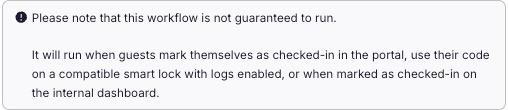
Immediately notify the team when a guest marks themselves as checked in. This helps prevent any walk-ins if there are pending tasks scheduled for the guest’s unit that day. Additionally, it alerts the team if a guest checks in earlier than the designated check-in time.
At Guest Checked-out
- Notify the team immediately when a guest marks themselves as checked out.
 Assignment:
- You can assign by group, tag, and specific properties where you want the workflow to apply.
Last updated on