If you notice a lot of your reservations are missing or have incorrect data, you may need to refresh all reservations to sync with your PMS. Take the steps below to ensure the reservation is present.
Note: if only one reservation is missing follow this article instead for a faster fix!
Import a single missing reservation
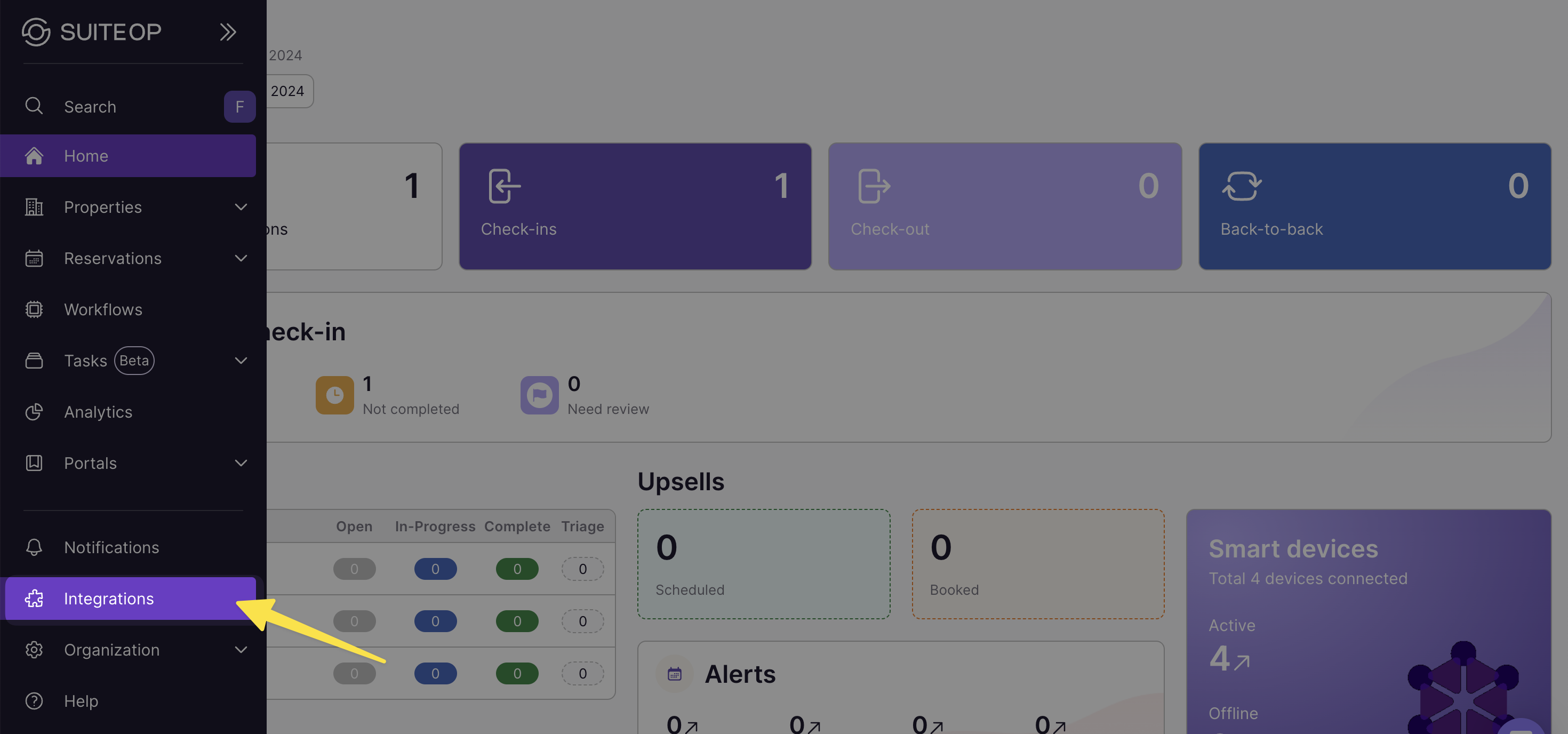
1. Select Integrations from the navigation
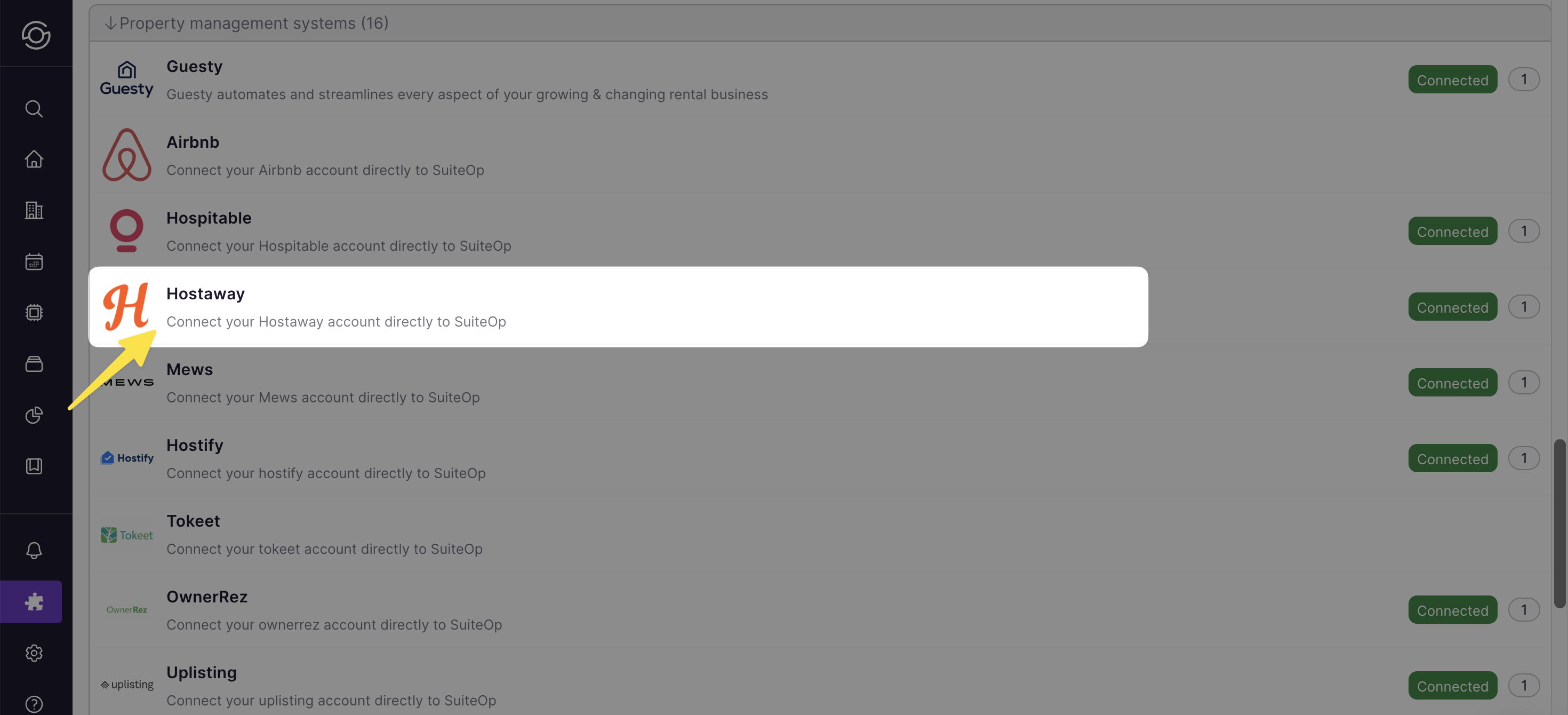
2. Scroll down to find and select your PMS
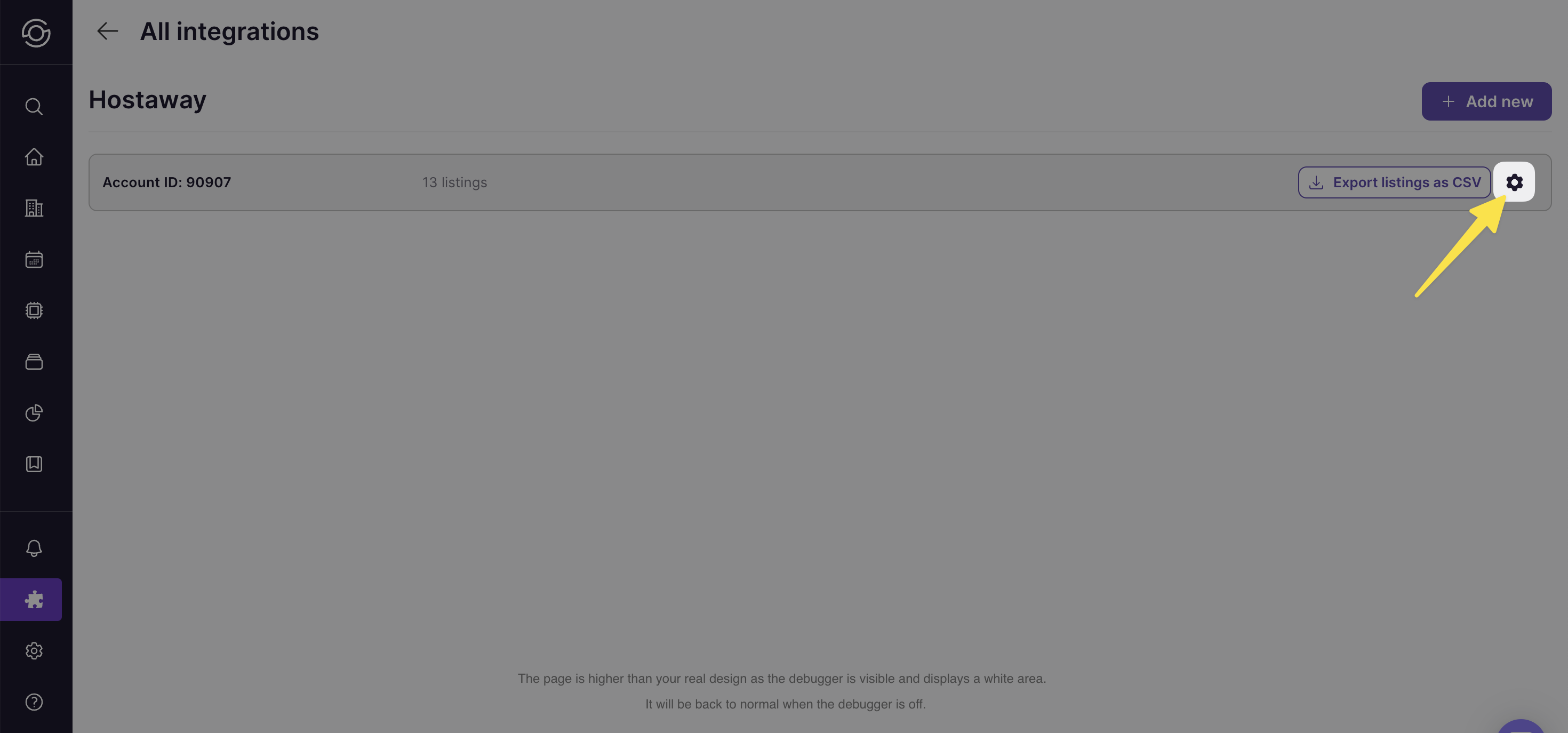
3. Click the gear icon on the related account
4. Select “Sync reservations”
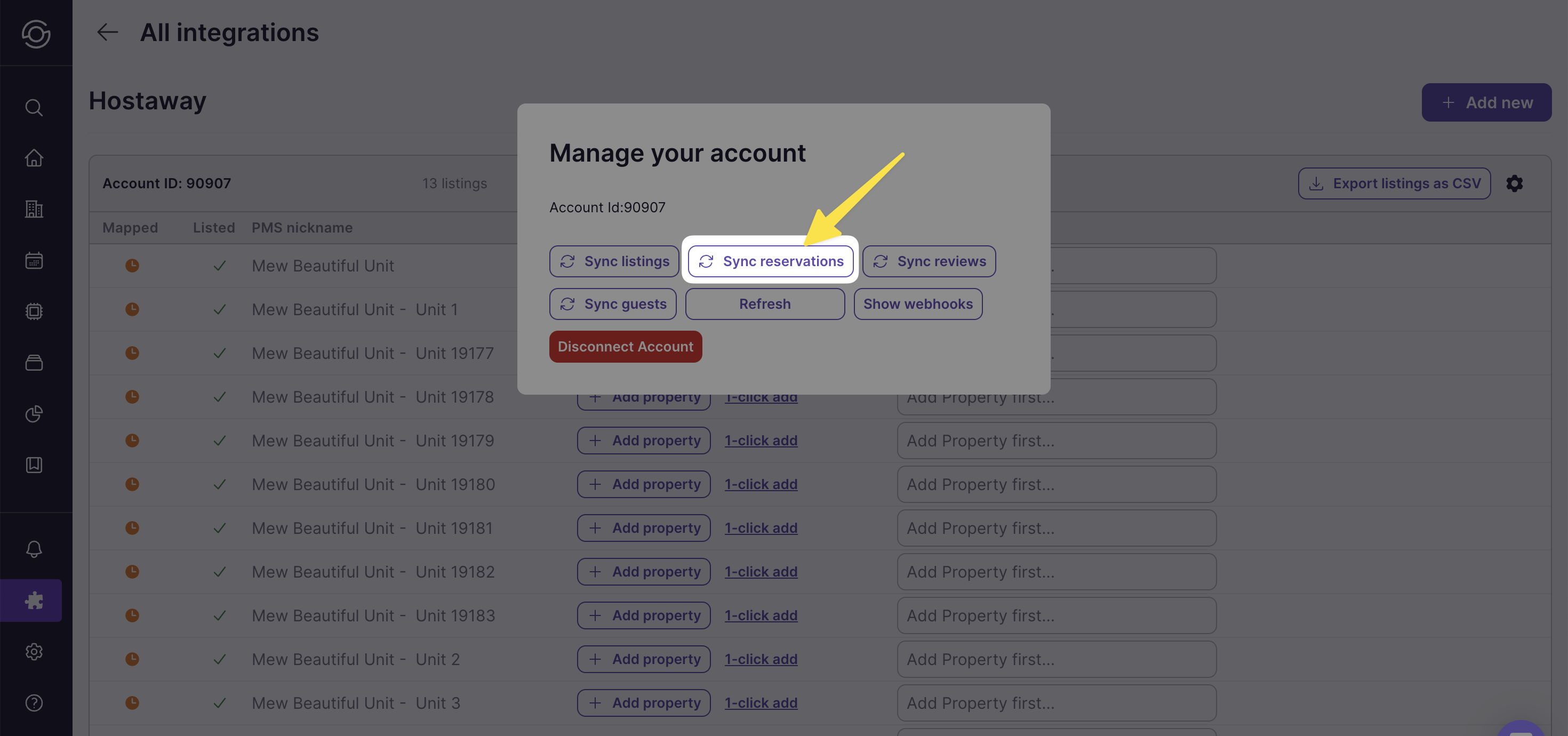
Now your reservations in SuiteOp should match your PMS. If you’re still having trouble, please reach out to our team.
Last updated on