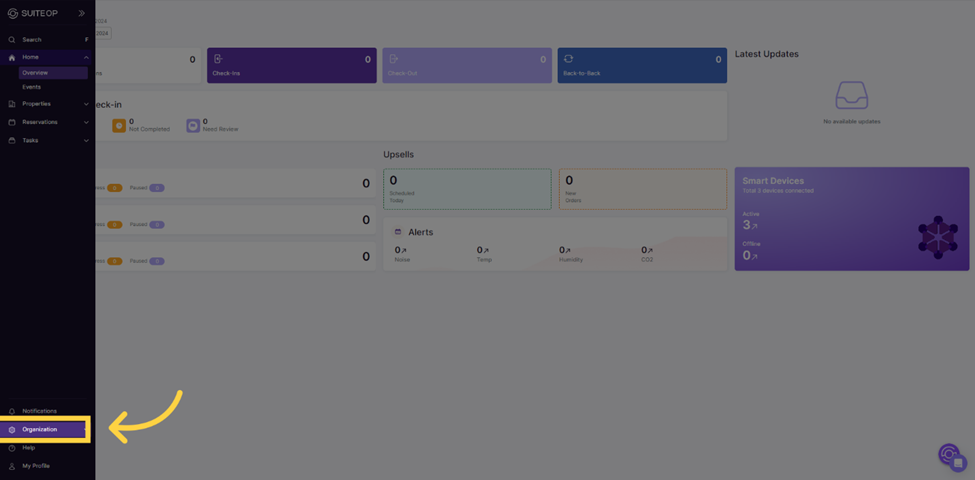
1. Navigate to the organization menu.
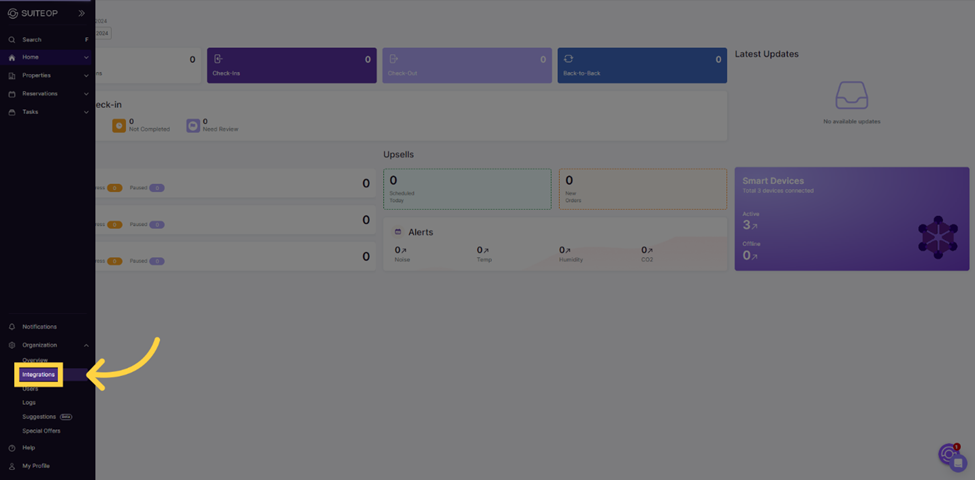
 2. Select the Integrations tab.
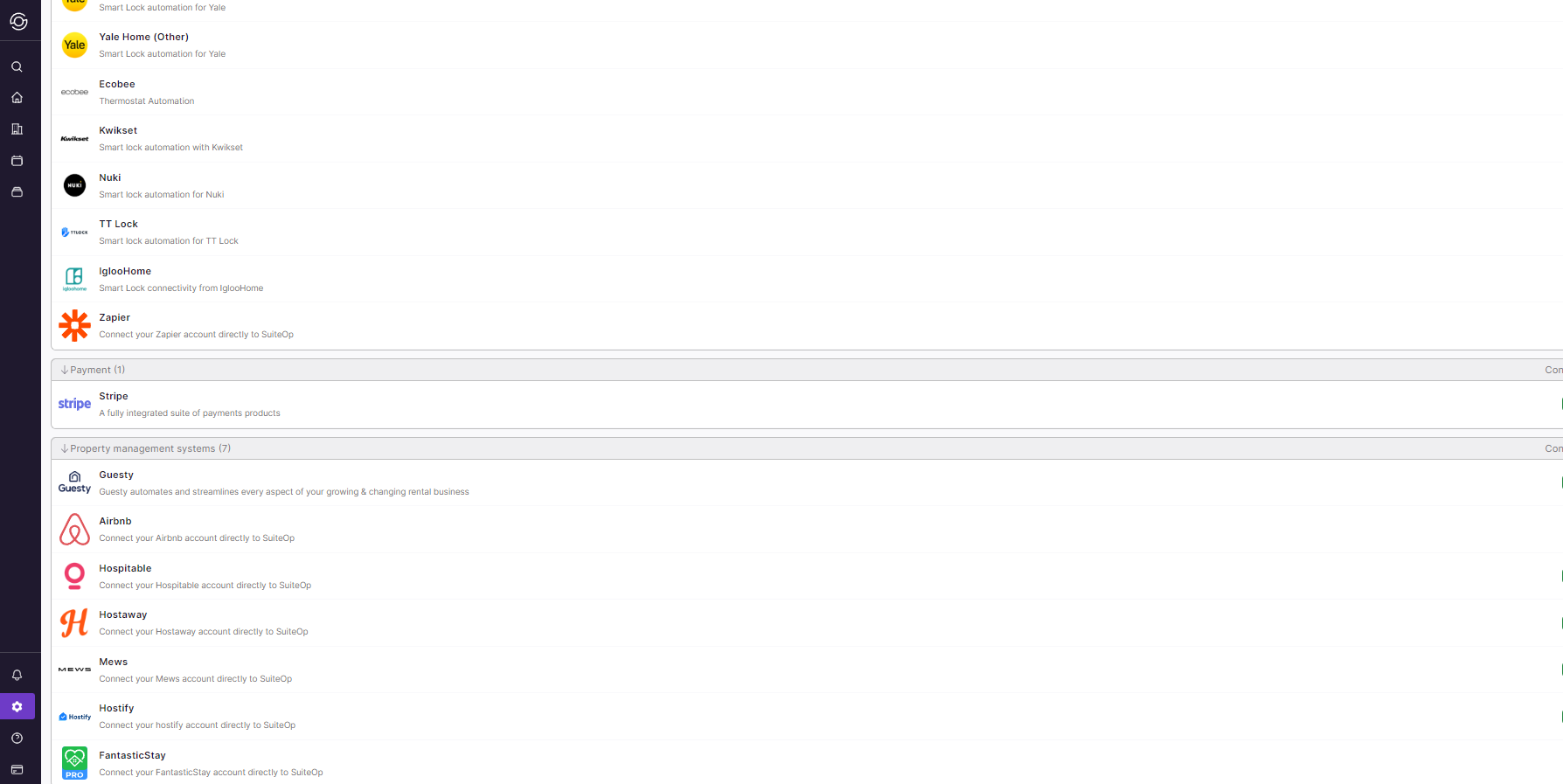
 3. Select Hostify from the options. Then, select “connect new” to connect the account.
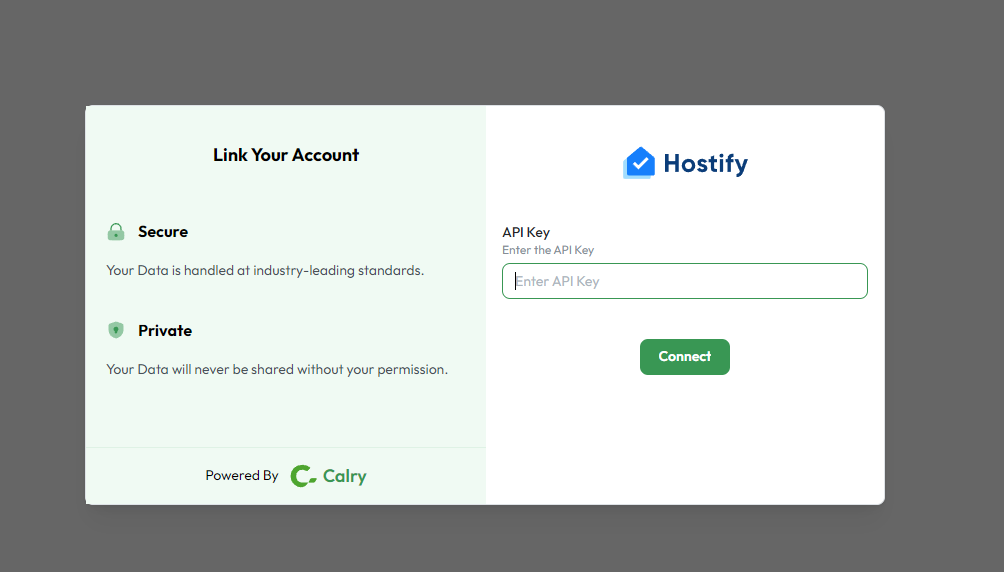
 4. You will be asked to enter the API Key. On your Hostify Account, you can find it under the Settings menu.
 5. To import listings from your Hostify account, click on “Sync Listings” button. Available listings will appear then click “add property” to start the mapping process.
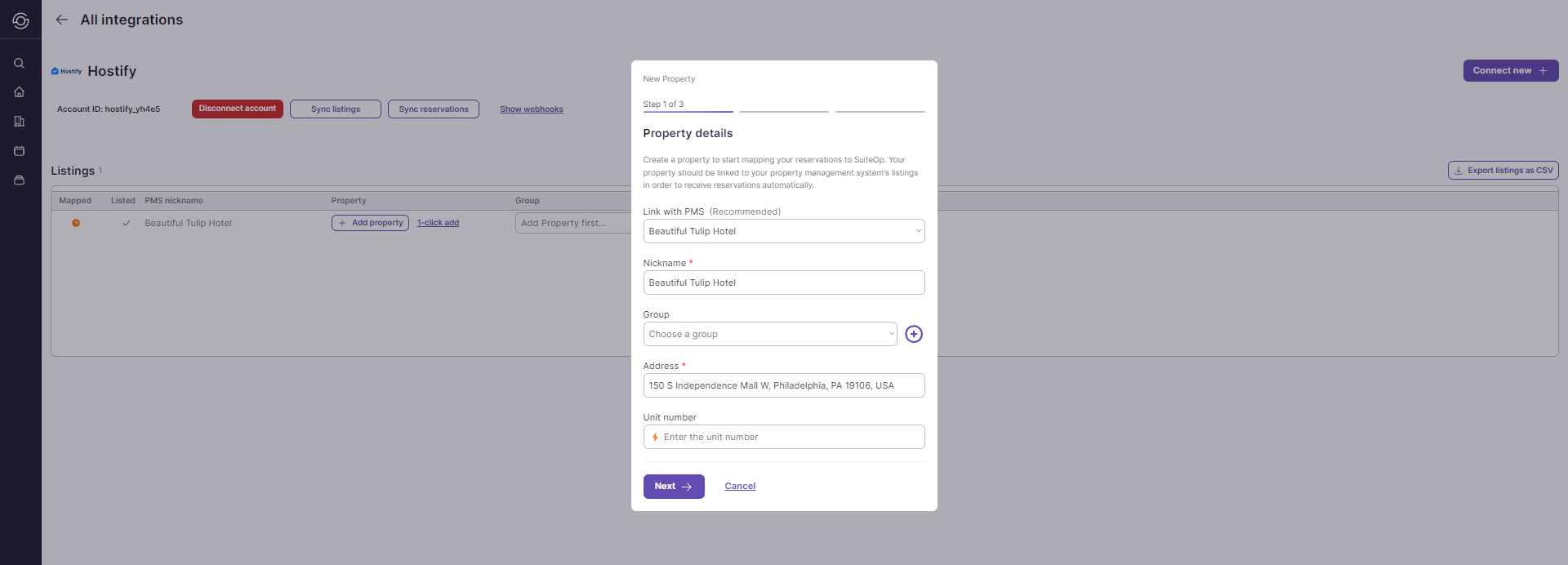
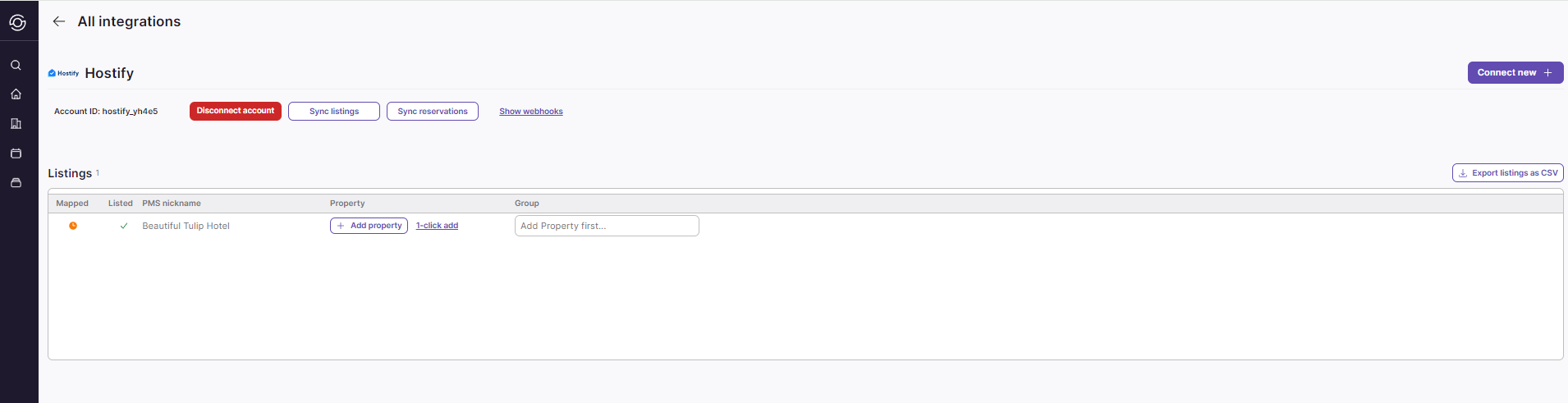 6. You’ll need to assign a property to a group. You can easily change the group later. Complete the process by clicking on “Add Property”.
Last updated on