Learn how to seamlessly connect your CloudBeds account with SuiteOp for efficient integration. Follow these straightforward instructions to establish a secure and reliable link between the two applications.
If you’re looking to get started using SuiteOp with your CloudBeds account, book a free demo with us here !
Connecting your CloudBeds account
1. Go to the CloudBeds Integration page in SuiteOp
In SuiteOp, head to the Integration page, and scroll down the list of integrations to find CloudBeds:
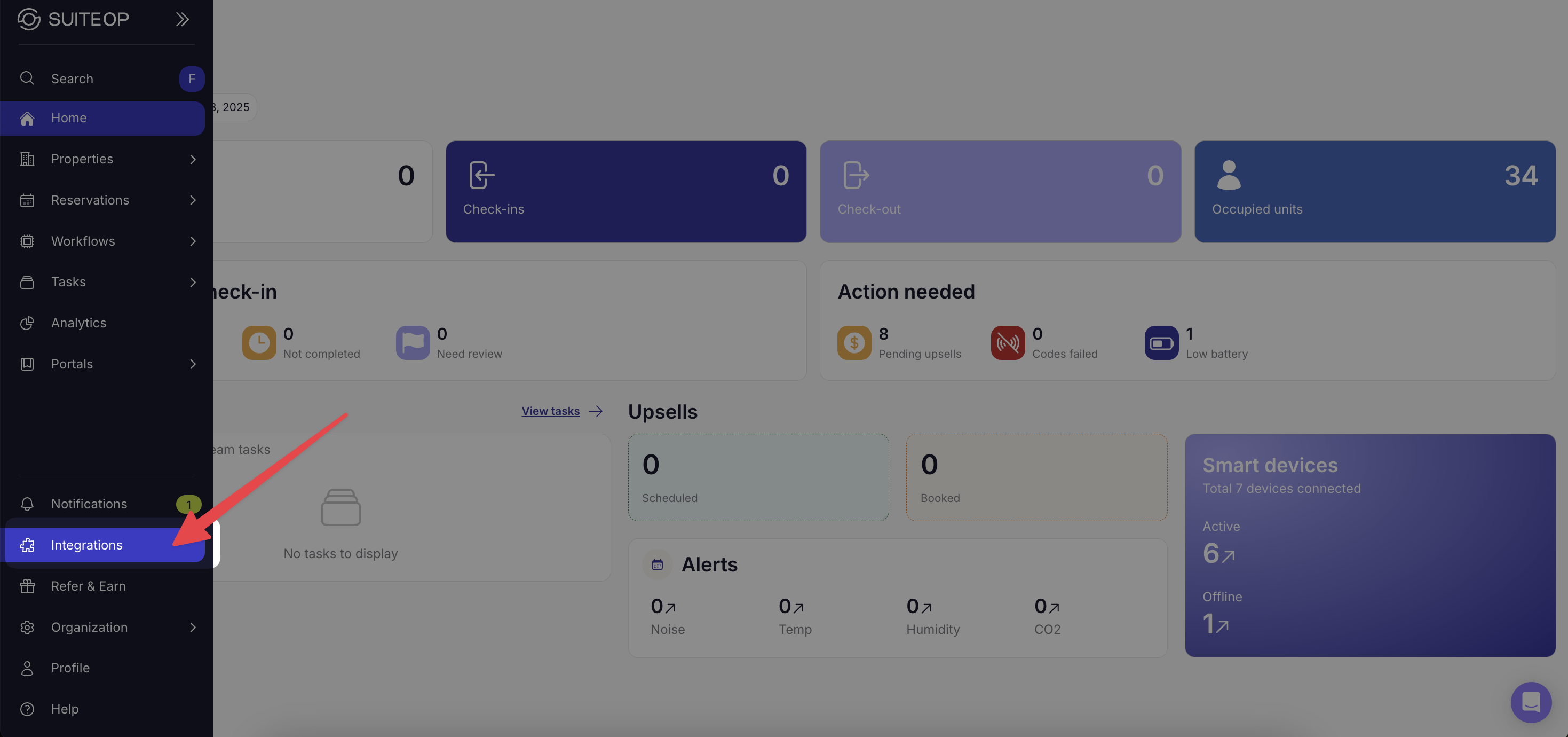
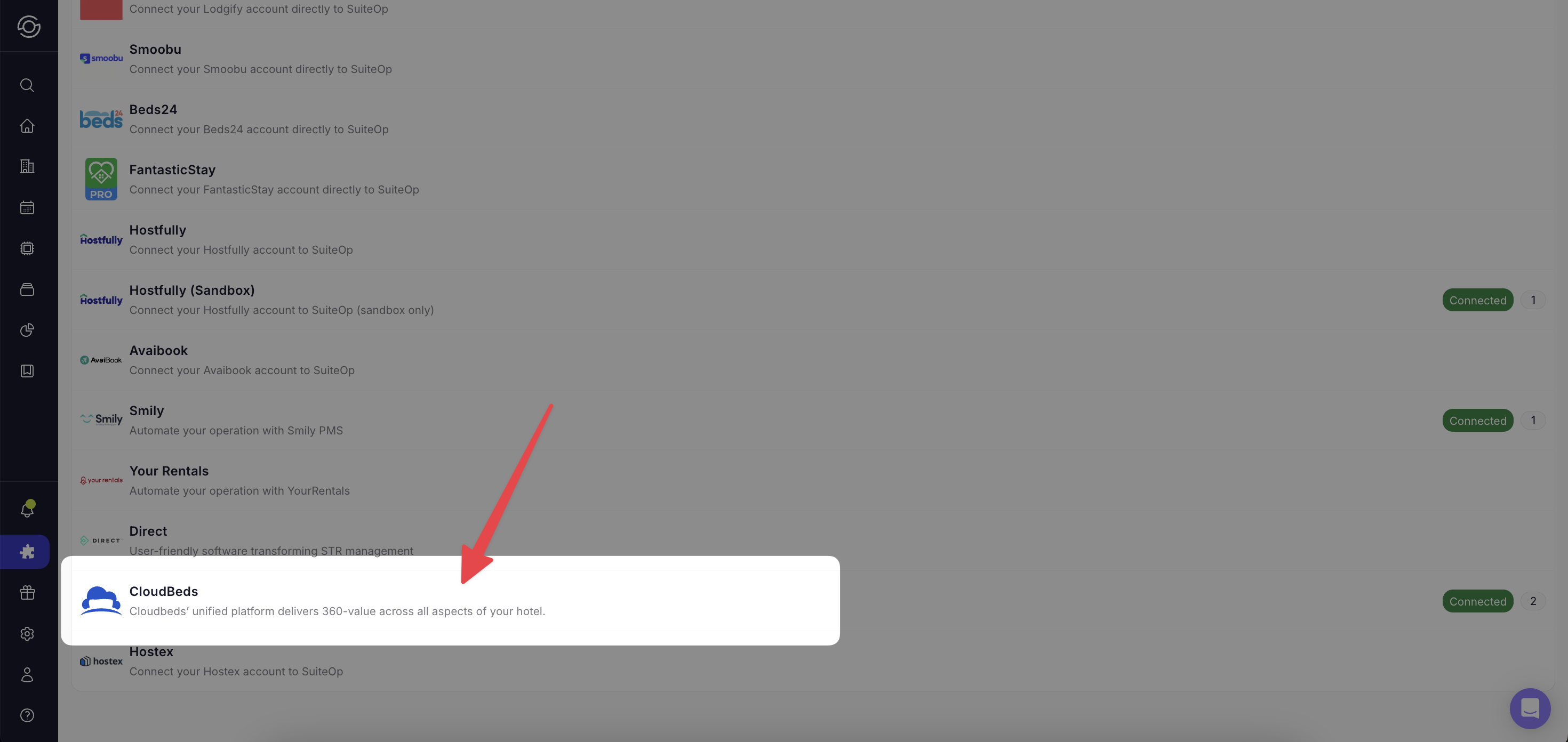
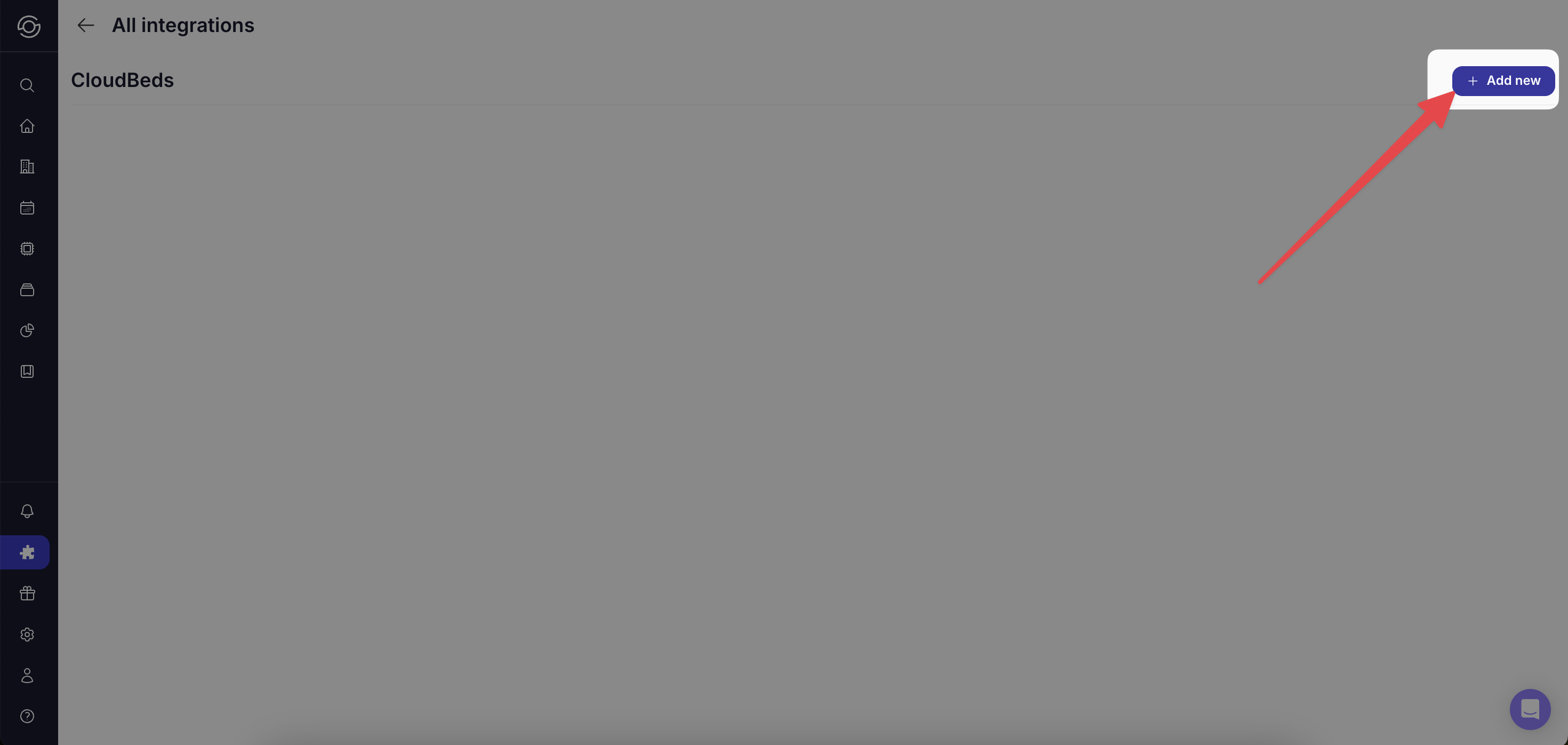
2. Click + Add new in the top right of the page
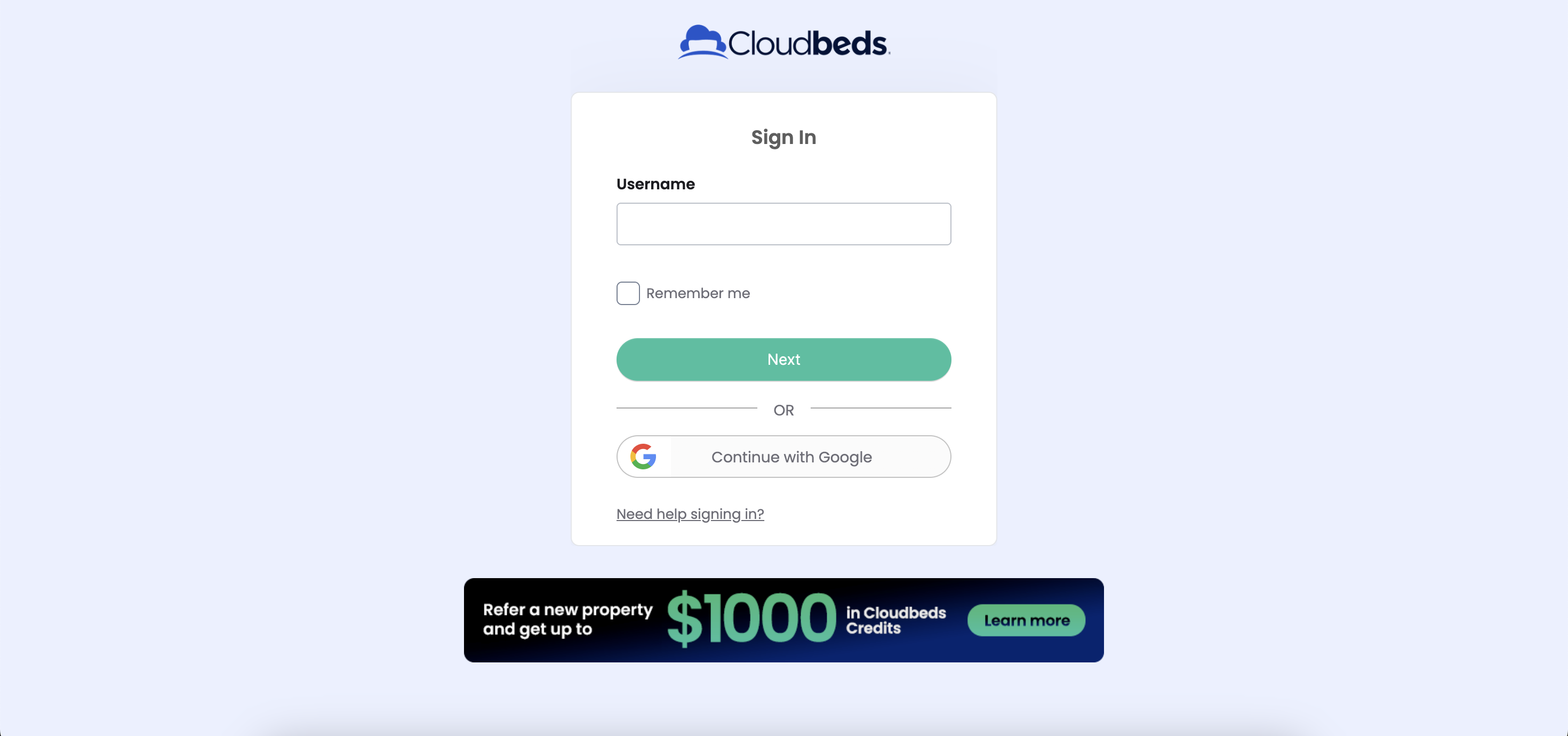
3. Sign into your CloudBeds account
Authorize the connection with SuiteOp by signing in to your account, you’ll see the CloudBeds screen shown below.
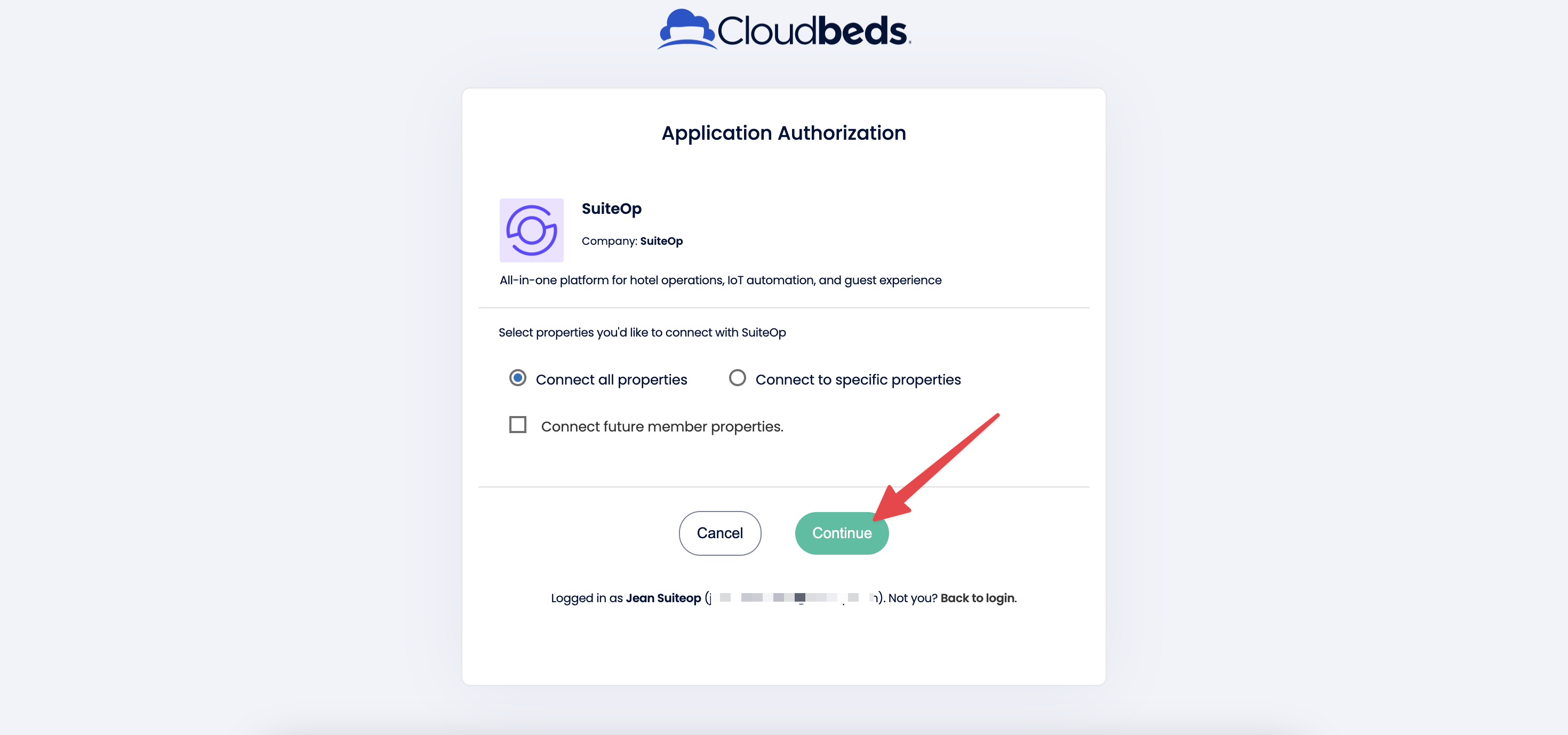
4. Select the properties you’d like to connect
Click Continue to authorize the connection
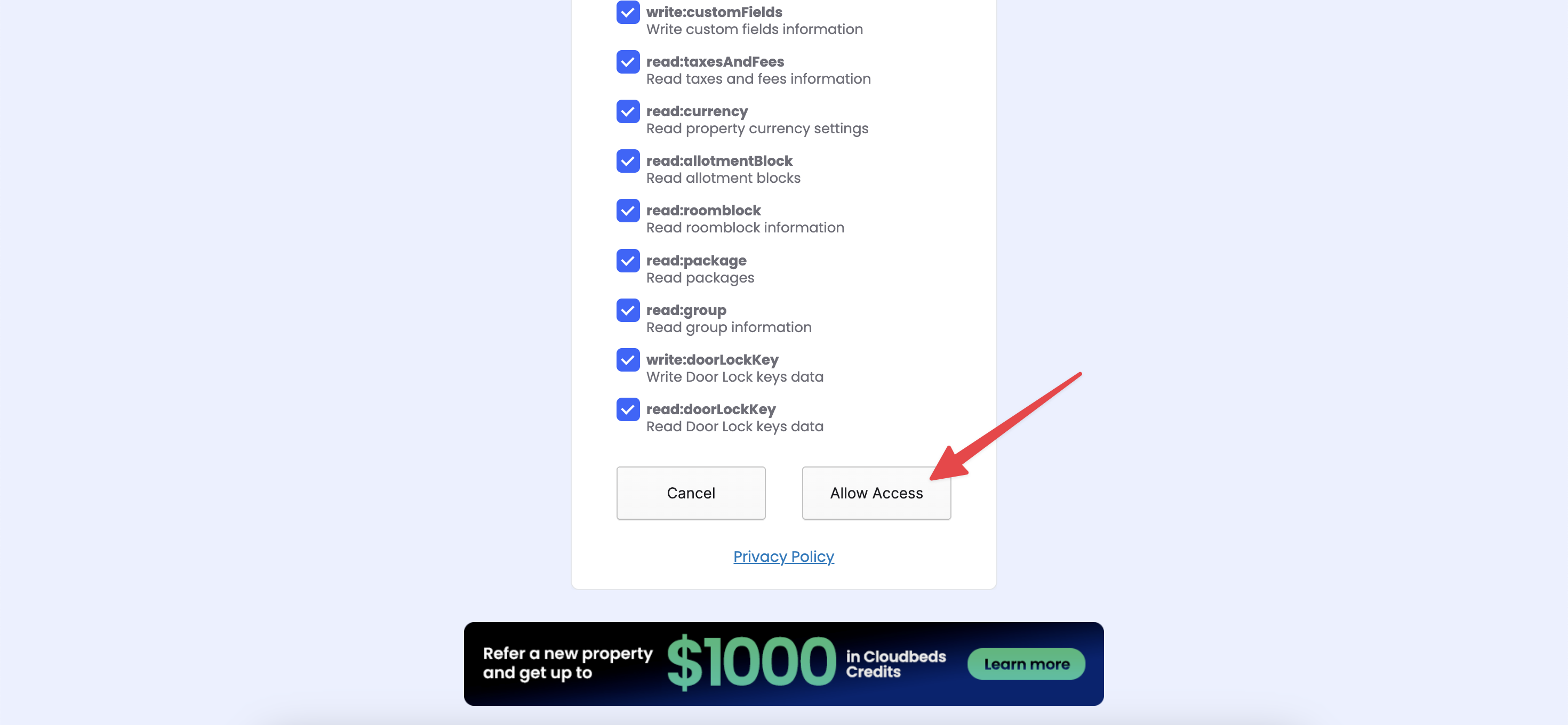
5. Allow Access
Allow access for the list of necessary permissions
6. Wait for properties to load into SuiteOp
You should then be redirected into SuiteOp where you’ll see your listings load in, this might take some time to complete.
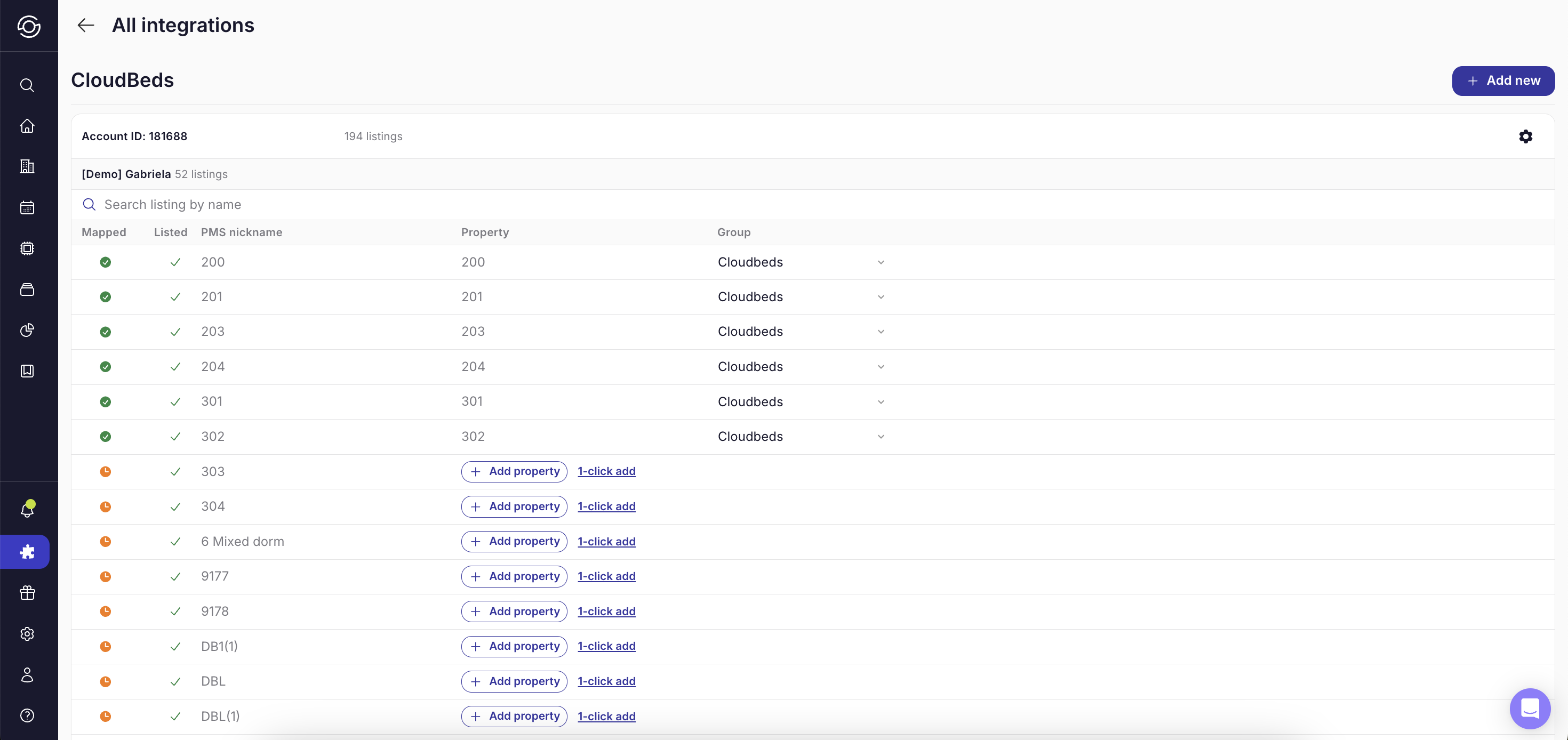
Your connection is complete!
Next, you’ll add listings to your Properties page by clicking Add property or 1-click add and continue with your SuiteOp onboarding.
How to disconnect your CloudBeds account from SuiteOp
From SuiteOp
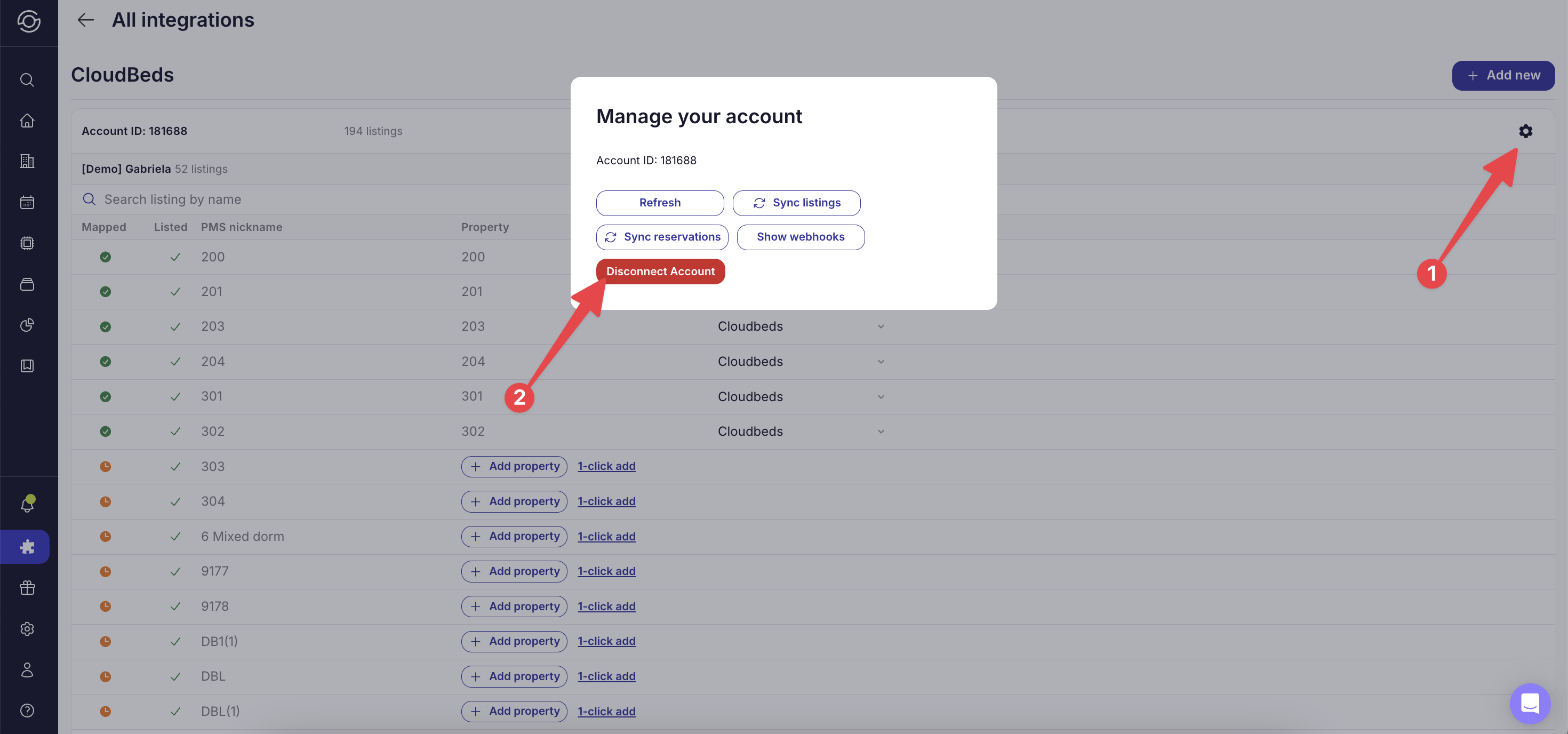
To disconnect your account in SuiteOp, go to the CloudBeds integration page in SuiteOp, click the account gear icon, and click Disconnect Account.
From CloudBeds
To disconnect SuiteOp from the CloudBeds side, follow the CloudBeds support article .
Support for our CloudBeds integration
To get support, reach out to the SuiteOp team at support@suiteop.com.
FAQs
-
What are the functionalities of the integration? With your CloudBeds account connected, you can use your listing details and reservation details in SuiteOp to automate your guest experience and operations.
-
What are the limitations of the integration? At this time we are not able to push data from SuiteOp back to your CloudBeds account.
-
Do we support CloudBeds Group Accounts? Yes, we support CloudBeds Group Accounts.
-
What specific integration functionality is covered?
Door codes are issued by SuiteOp and visible to the guest in the Guest Portal.
-
The door code is sent to Cloudbeds reservation.
-
The Guest Portal also allows self check-in and check-out and the corresponding status is updated on Cloudbeds.
-
The property can use SuiteOp or any other messaging tool to send the Guest Portal link to its guests.
-
SuiteConnect compatible Smart door locks https://suiteop.com/integrations