This feature enables you to collect guests’ estimated arrival and departure times during the verification process.
How to enable estimated arrival & departure times
Where to find a guest’s ETA & EDT
Can guests choose an arrival time before check-in
Enable request ETA (arrival and departure)
-
Navigate to Portal Settings
-
Open the Verify tab
-
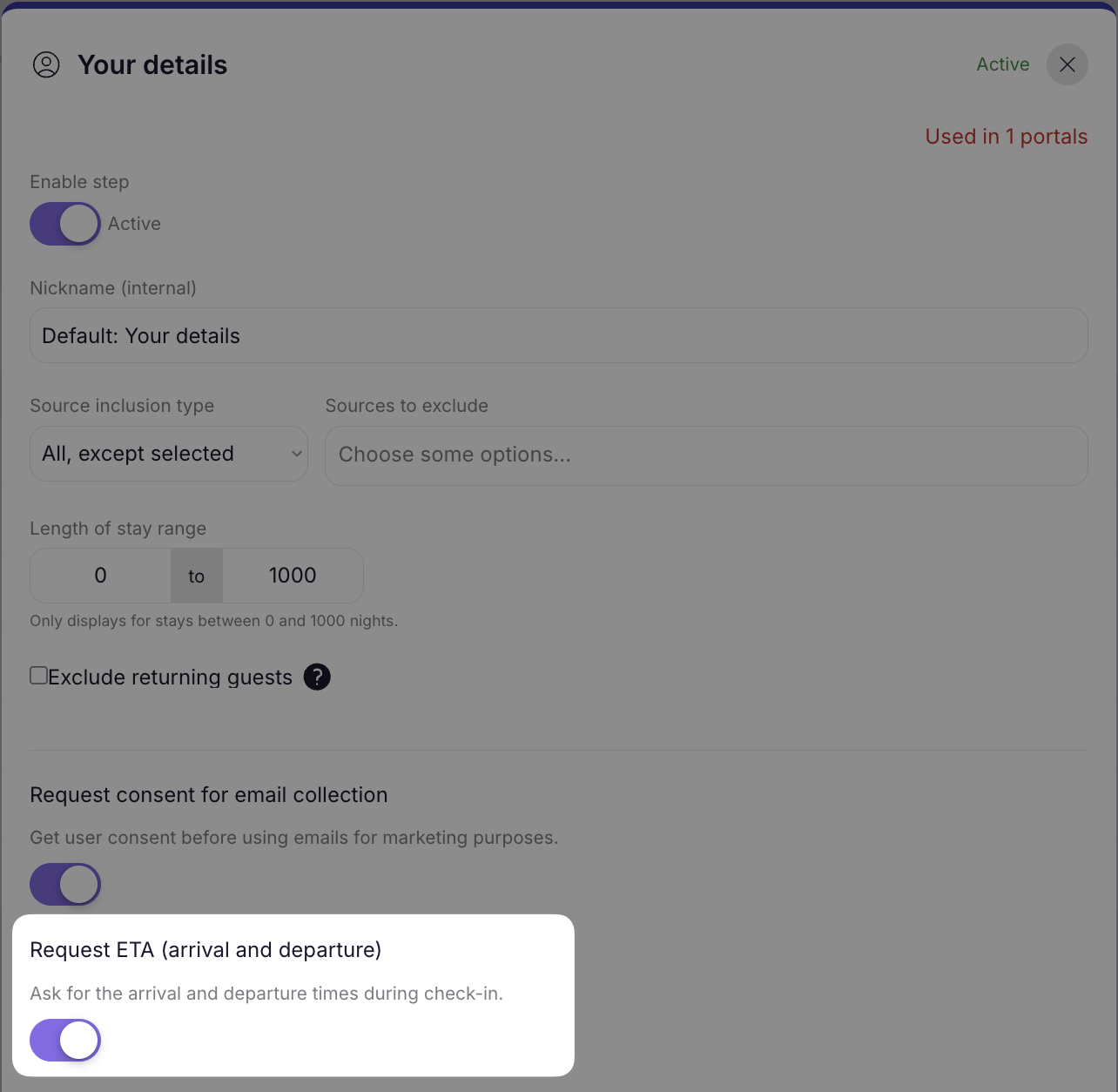
Select “Your Details” from the available pre-checkin steps.
-
Enable the toggle for “Request ETA”. It will automatically save the settings and be updated across all portals where the step is assigned. The ETA
Where can you see a guest’s ETA & EDT?
The estimated arrival and departure times (ETA & EDT) are optional for the guests during the pre-check-in Your details step. If a guest does elect to provide this information it will appear on the reservations list, below the check-in time.
Can a guest choose an arrival time before check-in?
No, guests cannot choose an ETA that is before the reservation check-in time or a departure time after the reservation check-out time. If they would like to request an early check-in, this can still be done in their guest portal!